

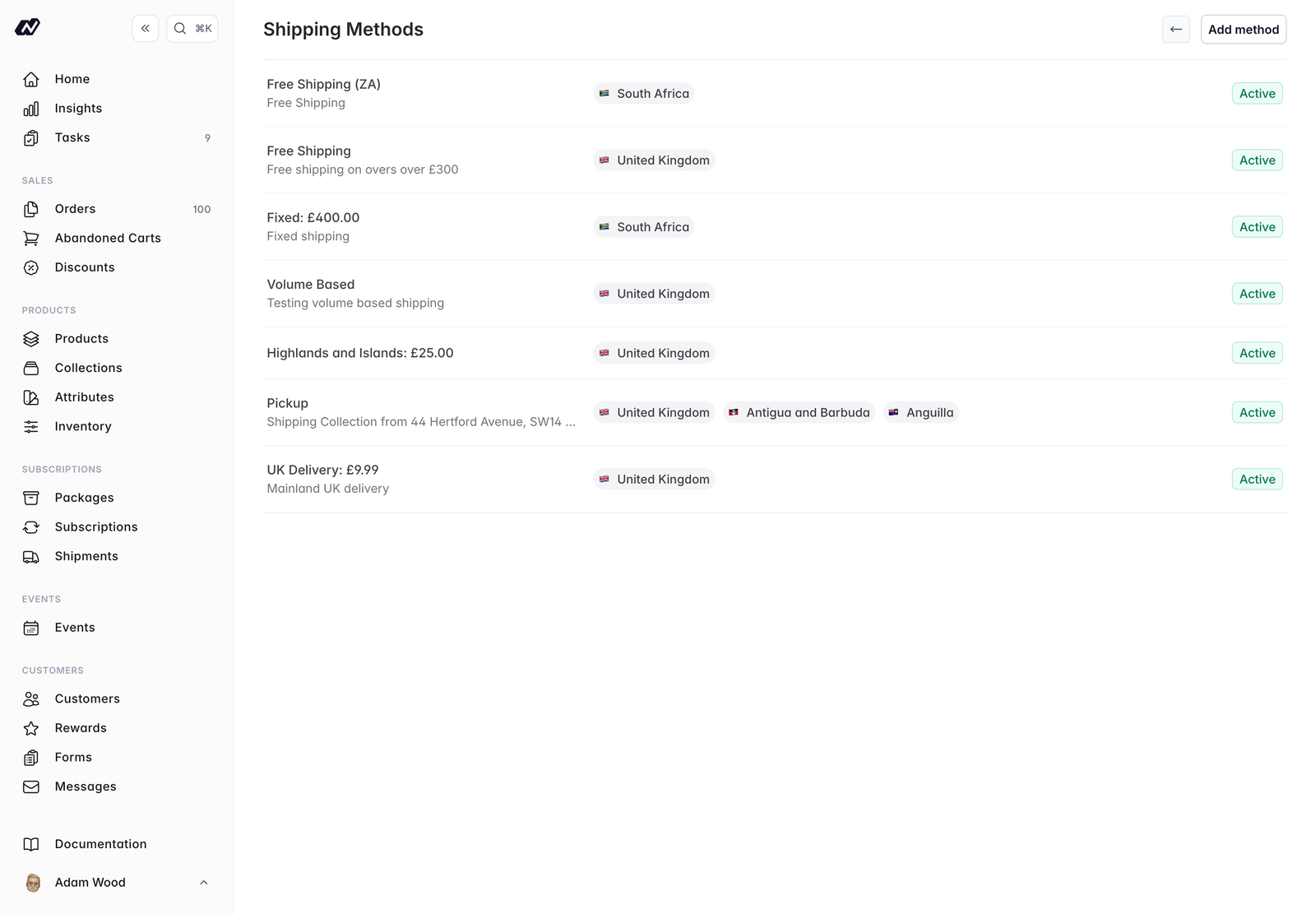
Shipping methods
Each shipping method has the following core options.- Name - The name customers see at checkout, such as
Standard Delivery - Description - Optional detail about the method
- Enabled - Whether the method is available at checkout
- Method - The type of method, which determines how the rate is calculated
- Flat rate - A fixed Amount for every order
- Free shipping - No charge
- Pickup - Collection in person, with no delivery charge
- Custom rate - A rate calculated from bands (see below)
Custom rate bands
A Custom rate method works out the charge from bands. First choose how bands are measured:- Weight based (kg) - Bands are based on the order’s total weight
- Volume based (number of items) - Bands are based on the number of items
Countries and zones
Select the countries a method applies to, and optionally restrict it to specific zones. Rates apply based on the customer’s postcode. Marzipan includes the following built-in zones:Conditions
You can gate when a method is offered.- Minimum order value - Require a minimum order value for the method to be available. This is measured on the goods total after discounts: the subtotal minus any discount, with no shipping and no tax.
- Cart conditions - Restrict a method to carts that only contain items from certain collections
A discount counts against the minimum, so what the customer pays for the goods is what earns free shipping. The shipping charge itself is never counted, which would otherwise let the rate being charged close the gap towards removing it.
The currency for a method’s amounts is resolved from the destination country’s market.