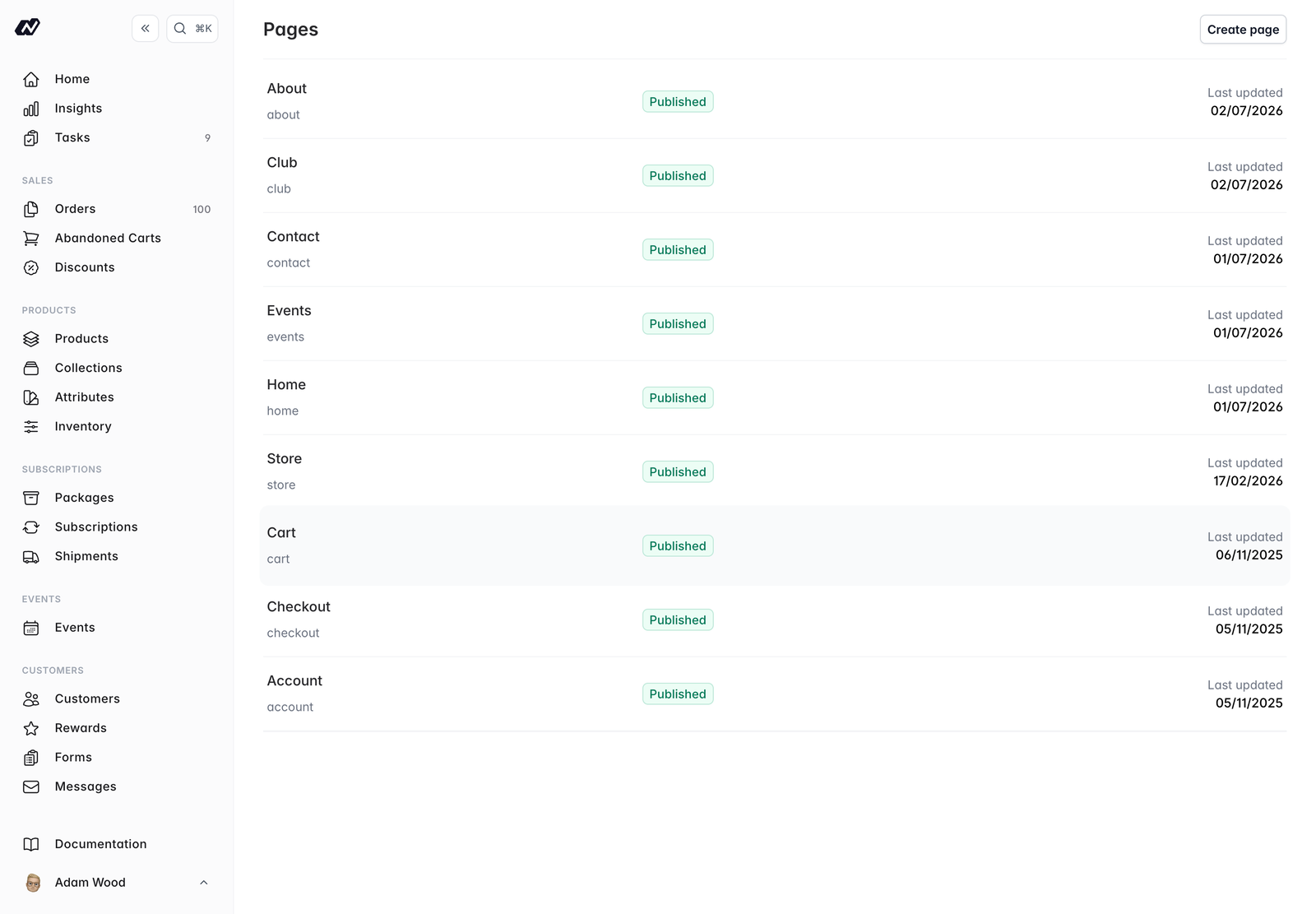
Pages are the content pages of your site. Each page is built from a template, and you edit its content through sections and fields, so you’re never editing raw code.
To find your pages, click on CMS in the main navigation menu. The Pages list is the first thing you see.
Sections and fields
A page’s template defines the sections it contains, and each section contains fields that you fill in. Field types include:
- Simple text
- Rich text (WYSIWYG)
- HTML
- Image
Because the layout comes from the template, editing a page is a matter of filling in its fields. To change the layout itself, edit the template in the Website area.
Page settings
Each page also has:
- A slug for its URL
- SEO meta title and description, plus a share image
- A publish status, with the option to schedule publishing for a future date
Duplicating a page
You can duplicate a page to reuse its layout. The duplicate arrives with the same sections and fields already in place, ready for you to edit and give a new slug.
Duplicating is the quickest way to build a set of pages that share a layout (landing pages, for example) without rebuilding each one from its template.
Previewing a page
Generate a preview link to review a page before it goes live. This lets you check your changes, and share them with the rest of your team, while the page is still unpublished or scheduled.