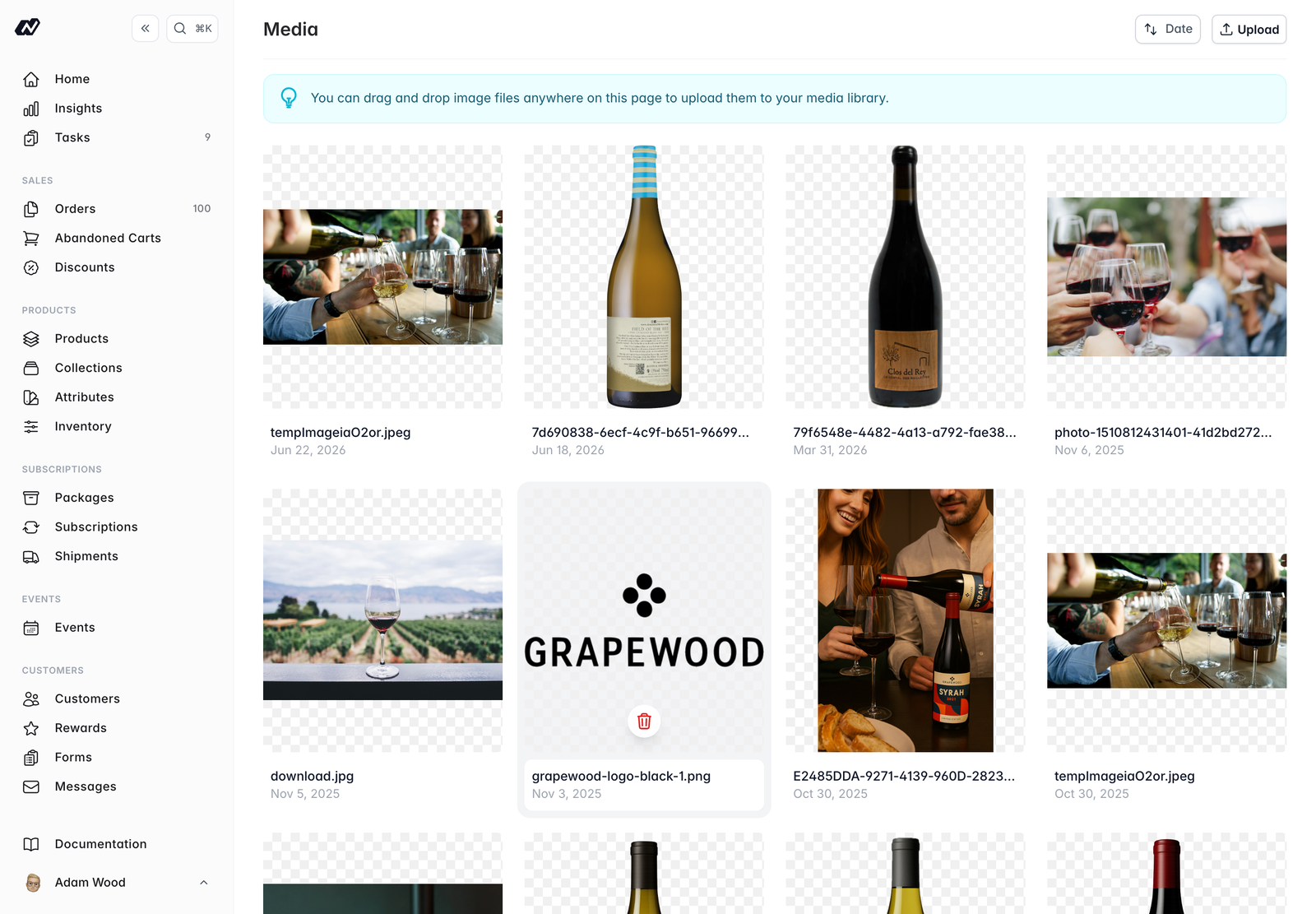
The Media library is your central store of images. Images you add here are reused across products, bottle labels, share images, CMS content, and the rich-text editor.
To open your media library:
- Log in to your Marzipan account
- Click on Media in the main navigation menu
Library
The library shows your images in a grid. Each image displays its thumbnail, filename, alt text, and date. You can sort the grid by date.
Uploading images
There are two ways to add images:
- Click Upload to choose files from your device and add alt text
- Drag and drop images straight onto the page
Images can be PNG, JPG, or GIF, up to 10 MB each. After a drop, a bulk alt-text step lets you caption each image before it’s saved.
Managing images
- Click an image to edit its alt text
- Delete an image you no longer need
- An image that’s in use can be unlinked from a record
Good alt text describes what’s in the image. It improves accessibility for people using screen readers and helps your SEO.