

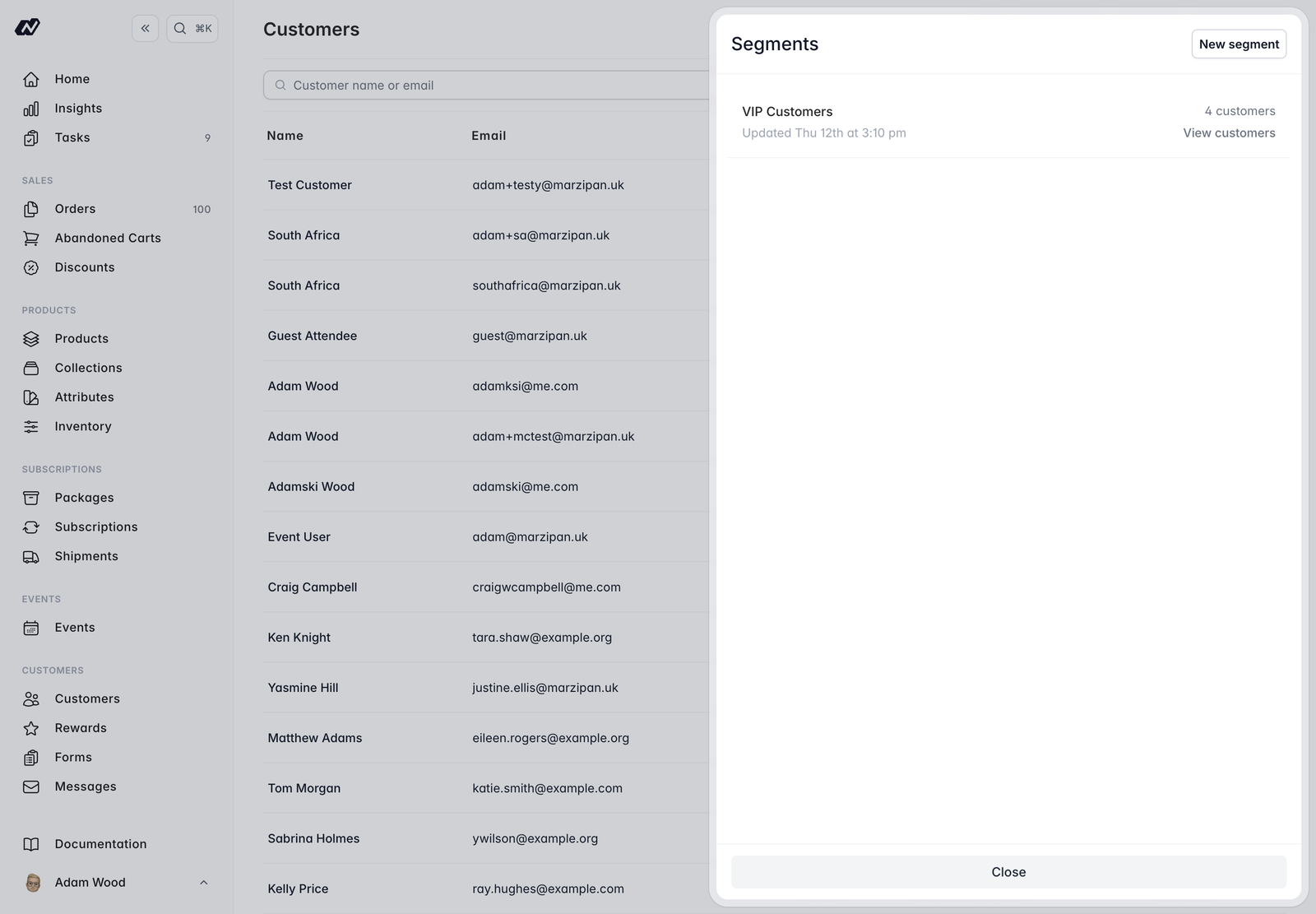
Building a segment
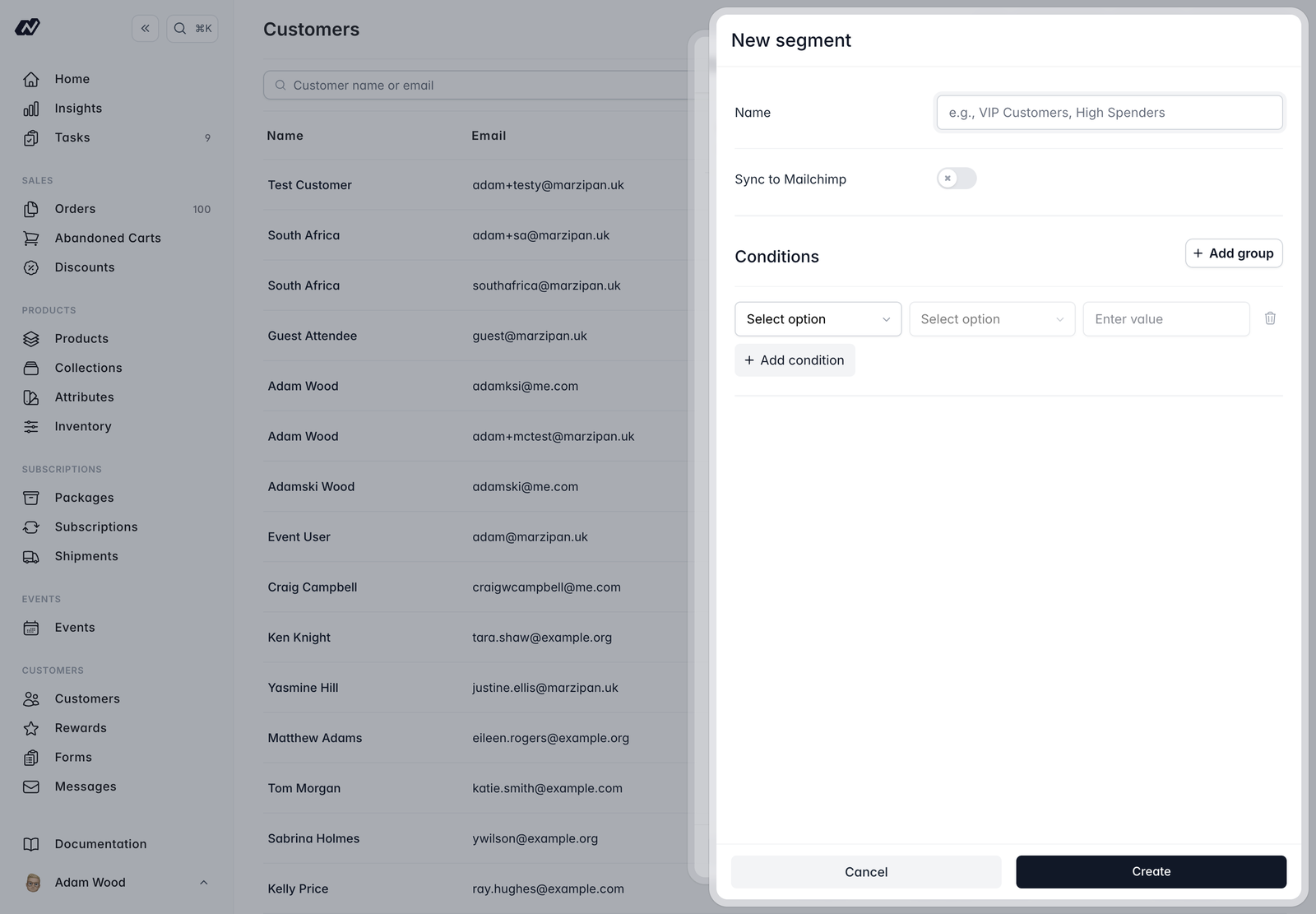
Each segment has:- Name - a label for the segment.
- Sync to Mailchimp - an optional toggle to keep the segment in step with a Mailchimp tag (see Mailchimp sync below).
- Condition builder - the rules that decide who belongs to the segment.
Available conditions
Managing a segment
Membership is evaluated and cached, so a segment’s customers are ready to view at any time. From a segment you can:- View its customers - see everyone who currently matches.
- Sync now - re-evaluate membership straight away.
- Export - download the members as a CSV file.
- Delete the segment.
Mailchimp sync
Connect Mailchimp under Settings > Integrations. When you turn on Sync to Mailchimp for a segment, Marzipan creates a tag namedSegment: {name} on your default audience and syncs only the subscribed members, pushing their tag and membership. Customers who aren’t subscribed are left out.
Reward and address data reach Mailchimp as merge fields through the separate per-customer sync, not through segment syncing.