

- Log in to your Marzipan account
- Click on Attributes in the main navigation menu
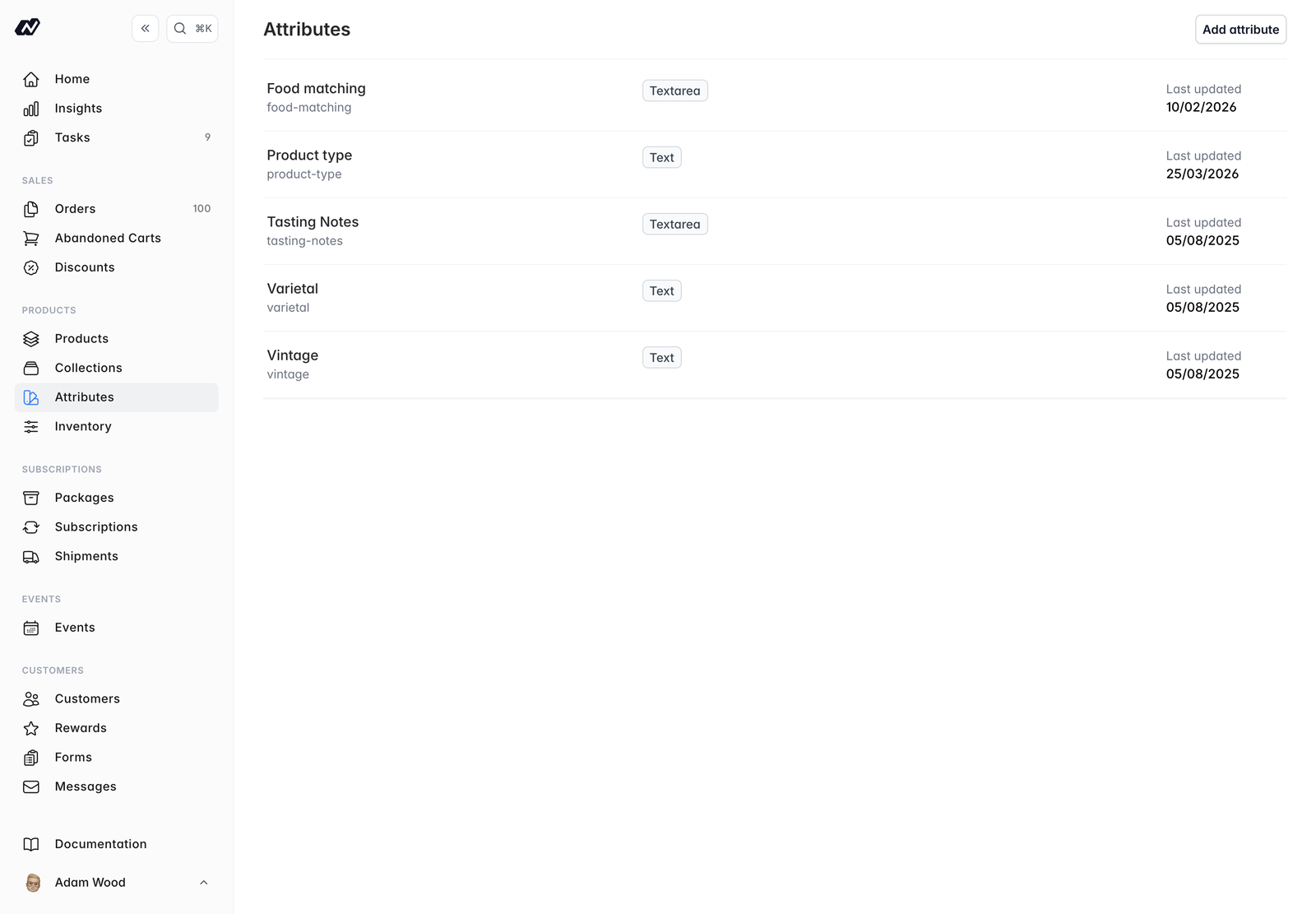
Attributes list
Creating an attribute
- Name - the attribute name, which auto-generates the slug
- API slug - the identifier used in the API, editable
- Type - how values are entered:
- Text - a single line of text
- Textarea - a longer block of text
- Select/Dropdown - a choice from a fixed list of options
- Number - a numeric value
- Required - when on, the attribute must be given a value wherever it’s used
- Private - when on, the attribute is hidden from the storefront and the API
- Options - for a Select attribute, the list of choices, each with a name and a value
Deleting an attribute
If an attribute is in use, deleting it warns you how many products use it and removes it from those products.Assigning values
You add attribute values inline on a product or collection, sometimes called quick attributes. Add an attribute and set its value there and then. The input matches the attribute’s type: a text box, a number field, a dropdown, or a textarea with an optional rich-text toggle.Private attributes still show to you here so you can set their values, but they never appear on the storefront or in the API.