

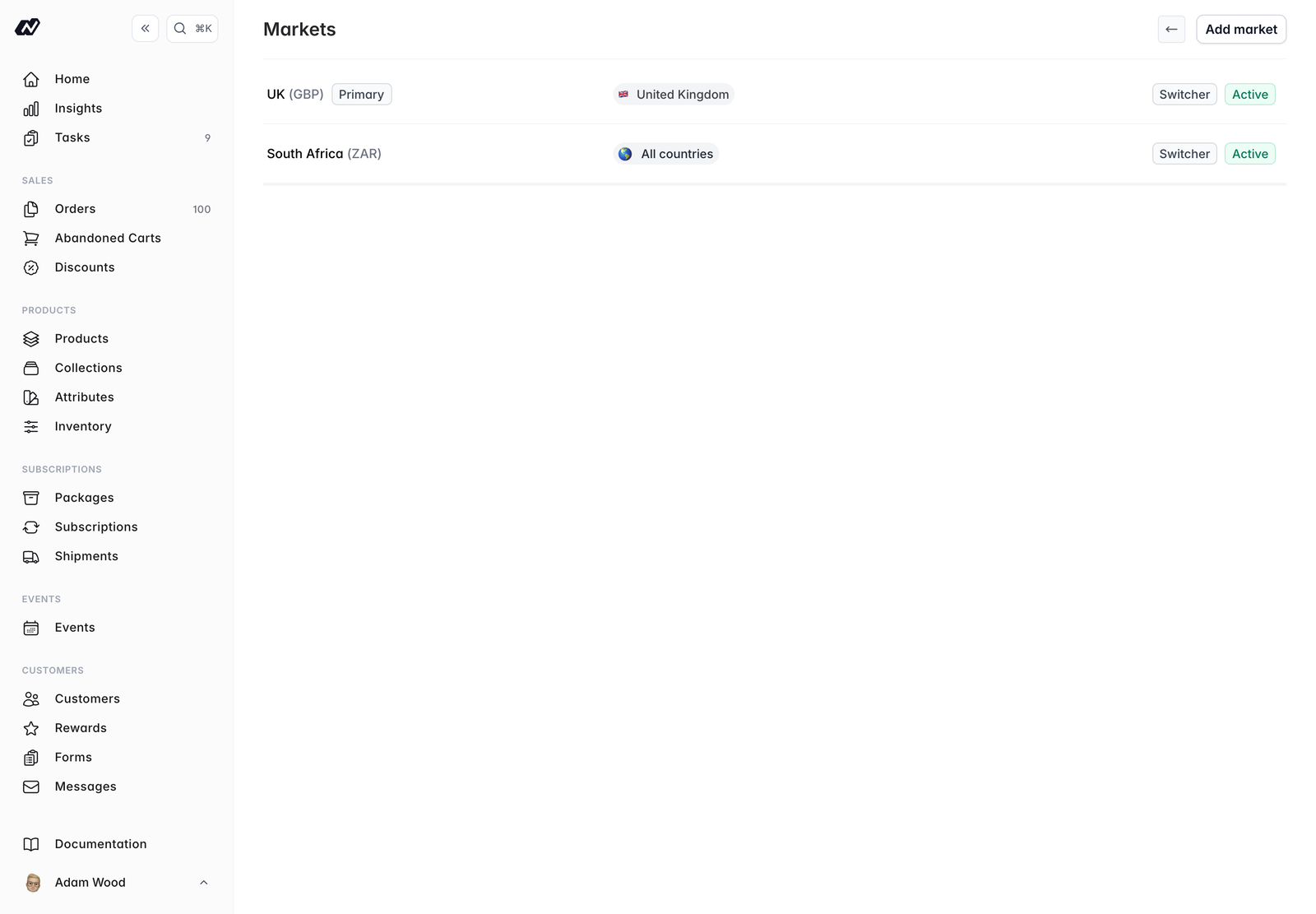
Adding or editing a market
Click a market to edit it, or add a new one. Each market has the following options.- Name - A label for the market, such as
EuropeorUnited States - Active - Whether the market is available to customers
- Show in currency switcher - Lets customers choose this market manually from the storefront currency switcher
- Primary market - Marks this as your default market. This cannot be changed once you have orders, subscriptions, or customers
- Inventory location - An optional default inventory location for orders in this market
- Payment provider - The gateway used for the market (Stripe or PayFast)
- Currency - The currency code and symbol, for example
EURand€ - Exchange rate - The rate from your base currency, used to convert prices. Fixed at
1.0for the primary market - Rounding precision - How converted prices are rounded:
0rounds to the nearest whole unit,1to the nearest 10 minor units, and2applies no rounding - Countries - Customers in these countries see this market automatically
How a customer’s market is chosen
When a customer visits your store, Marzipan works through the following order and uses the first that applies:1
Explicit choice
A market chosen directly by the customer, through the currency switcher or a link.
2
Saved market
A signed-in customer’s previously saved market.
3
Automatic detection
A market matched automatically from the customer’s location.
4
Primary market
If none of the above apply, the customer sees your primary market.
Per-market pricing
On products, events, and subscription packages you can set optional price, sale price, and subscriber price overrides for each market. Where you don’t set an override, prices convert automatically from your base price using the market’s exchange rate.Per-market visibility
You can show or hide individual products, events, packages, and collections per market, so each region only sees what’s relevant to it.Per-market images
A product keeps one gallery, and individual images can be scoped to the markets they belong in. An image with no markets set shows everywhere, so only the shots that differ need scoping. This is for the same SKU needing different imagery per market, usually because the physical label differs. A historical order keeps showing the image the customer actually bought, however the person looking at it is browsing.Stores with a single market don’t see the market tabs or the scope control at all.
Per-market product ordering
A collection can be ordered differently in each market. See Collections.Archiving and deleting markets
- Archive a market that has history (orders, subscriptions, or customers) to remove it from use while keeping its records intact
- Delete a market that’s unused and has no history