

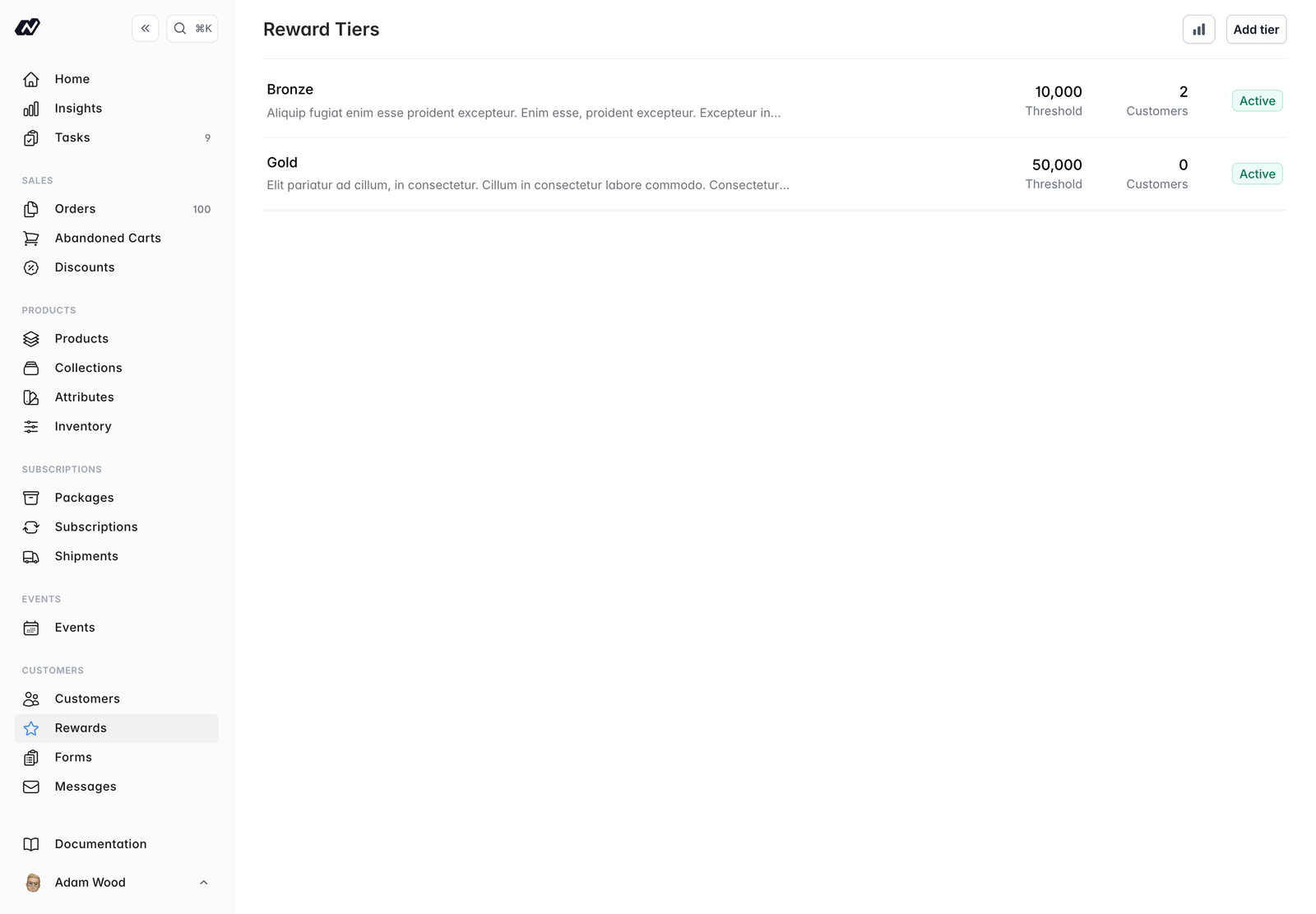
Tiers
Each tier has:- Name - the tier’s name
- Points required - the points threshold a customer must reach to join the tier
- Badge colour - the colour used for the tier’s badge
- Active - a toggle to turn the tier on or off
- Description - a short description of the tier
Tier details
Opening a tier shows:- Its current members
- A history of customers joining and leaving the tier
Perks
Perks are the benefits a tier gives its members. Add as many as you like to each tier. Each perk has:- Name - what you call the perk
- Type -
Discount,Free Shipping,Early Access,EventsorOther - Subscription - optionally restrict the perk to a particular subscription
- Description - the free-text description you write
A perk is simply a name, a type and the description you write. There is no per-type configuration: no percentage field, no product picker. Use the description to explain the benefit to your customers in your own words.