

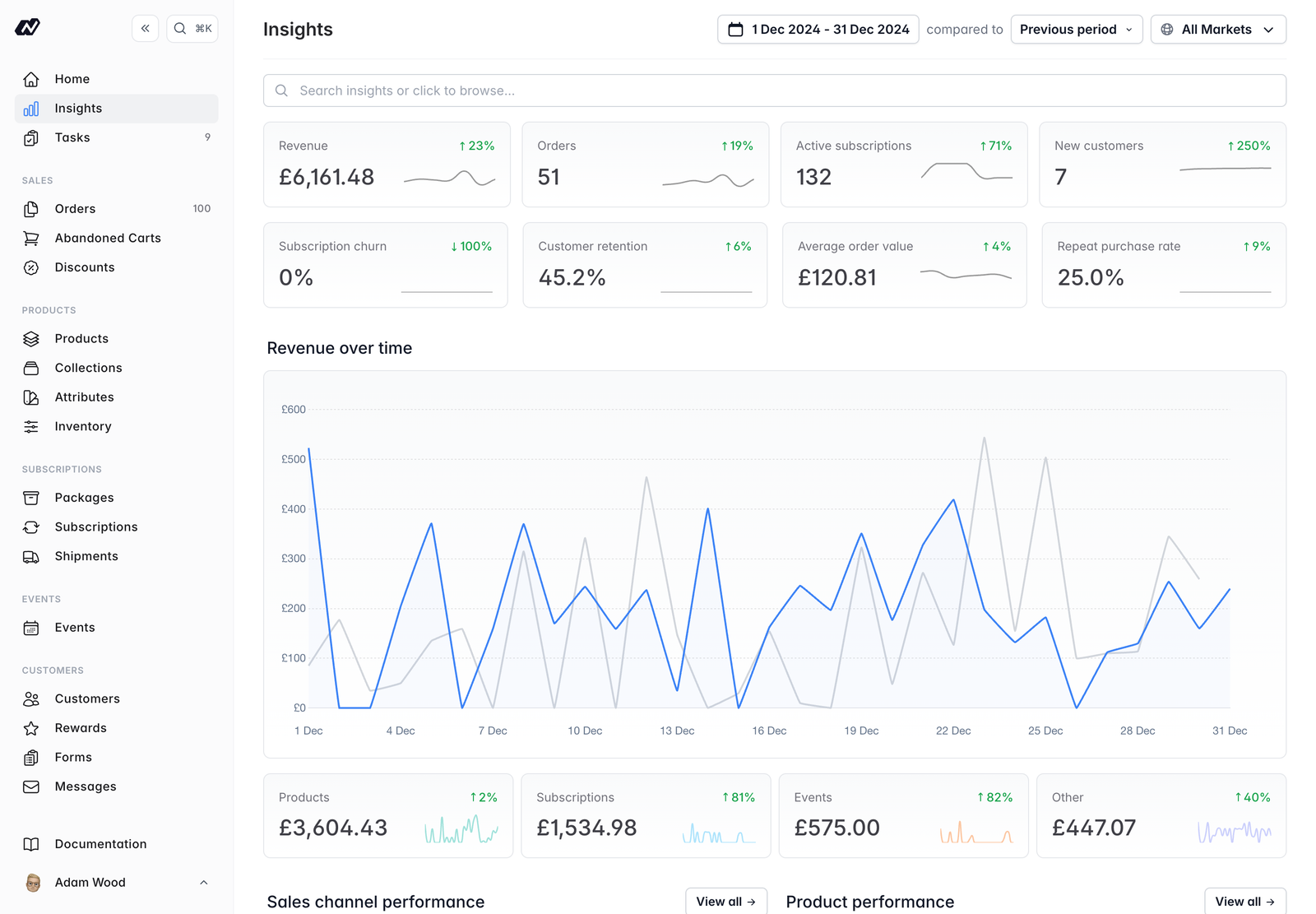
Shared controls
Every report shares the same core controls:- Date range - set the period the report covers.
- Compared to - compare the current period against a previous one to see how things are trending.
- Market filter - narrow the report to a single market if you sell across more than one.
Test-mode orders are excluded from Insights, so every report reflects real trading only.
Access
Access to each report is controlled by your Roles permissions, so you can decide which team members see which reports. A team member only sees the reports their role allows.The reports
Sales
Revenue, channels, geographic, orders, products, stock valuation, cart recovery and events
Customers
Your customer base, retention and rewards programme
Subscriptions
Recurring revenue, churn, status and billing
Gift Vouchers
Voucher liability, redemption and breakage
Attribution
Where your orders come from
Web analytics
Visitor traffic on Marzipan-hosted sites