

- Log in to your Marzipan account
- Click on Forms in the main navigation menu
- The overview page will display all of your forms
Forms
The list shows each form and how it is performing.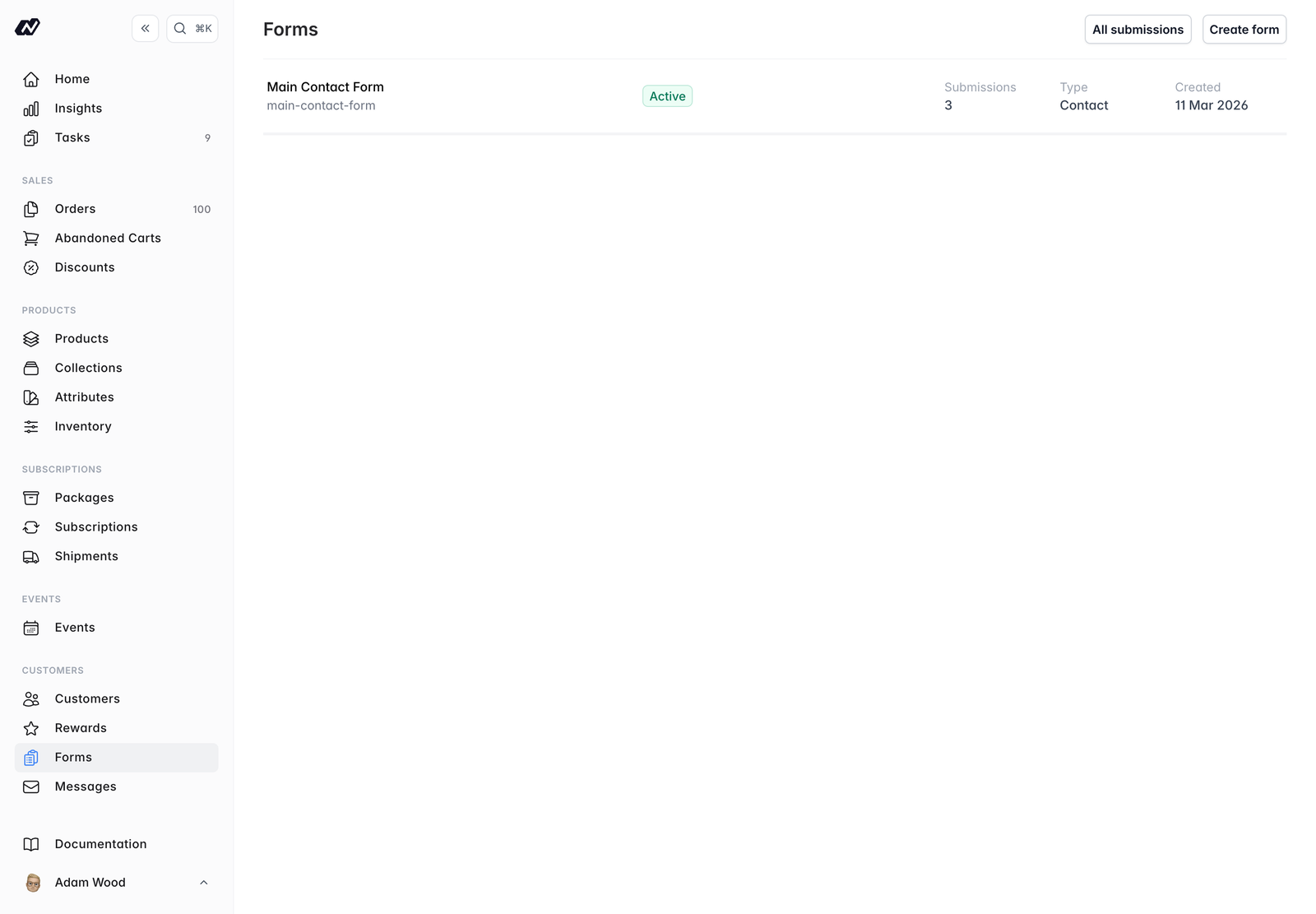
- Name - the form’s name, with its slug
- Status - whether the form is active
- Submissions - how many submissions the form has received
- Type -
Contact,NewsletterorCustom - Created - when the form was created
Header actions
The top-right corner of the forms list has two actions:- Create form - build a new form (see Create)
- All submissions - view every submission across all of your forms
Form types
Every form has a type, which determines what happens after someone submits it:In this section
Create
Build a form, add fields, and embed it on your site
Notifications
Choose who is notified and set up an auto-reply
Submissions
View and filter the submissions your forms receive
Contact form
Embed a form with the web component