

Submissions
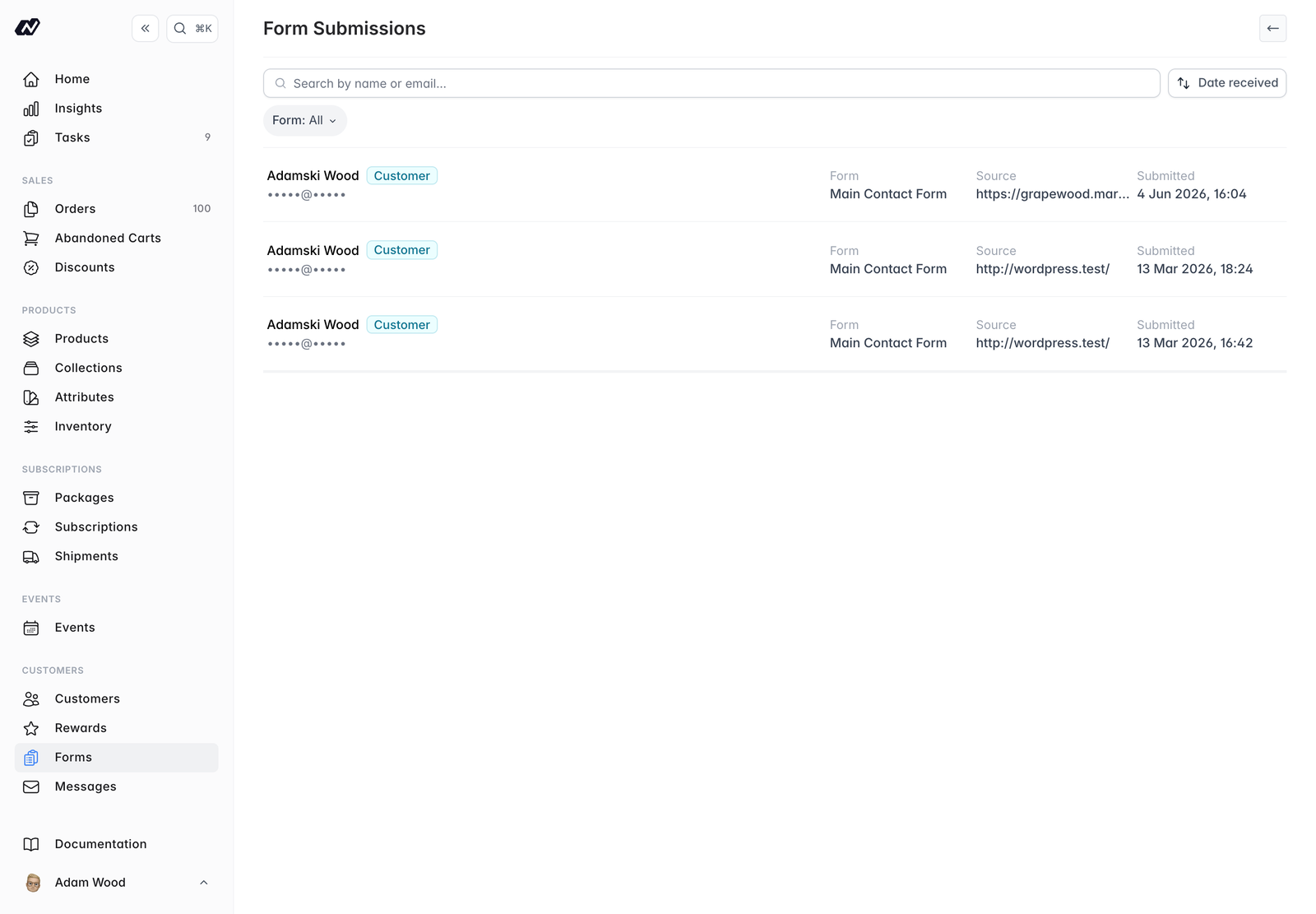
- Name - the name of the person who submitted the form
- Email - their email address
- Form - which form was submitted
- Source - where the submission came from
- Submitted - when it was submitted
Submission details
Click on any submission to open it. The detail view shows every field value that was submitted, along with the linked customer where one was matched.Contact forms and Messages
Contact-form submissions create a thread in Messages, so you can reply and keep the whole conversation in one place.