

Collections are always manual: you choose exactly which products they contain. There are no automatic or rule-based collections.
- Log in to your Marzipan account
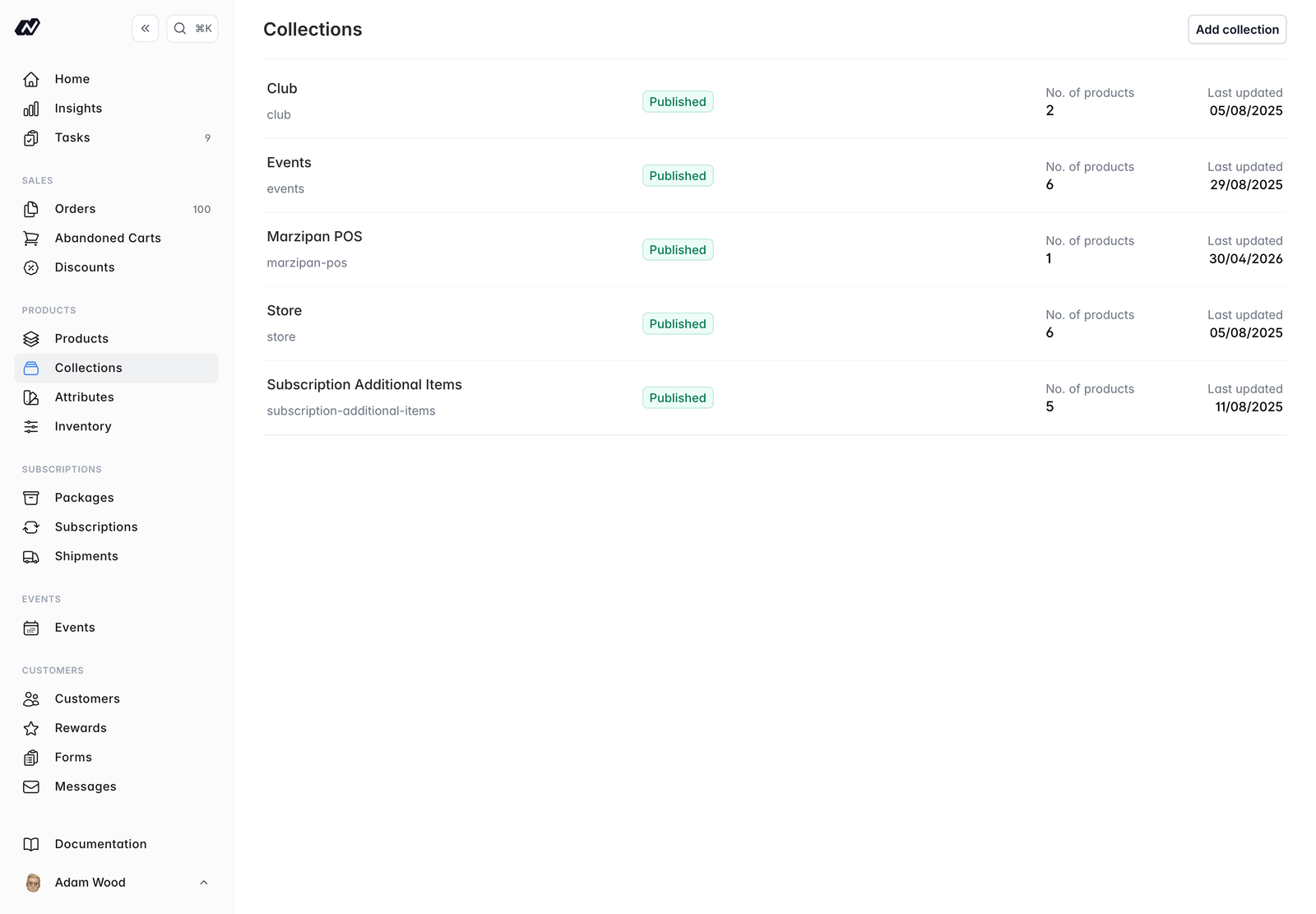
- Click on Collections in the main navigation menu
Collections list
Creating and editing a collection
- Name - the collection name
- Description - a description of the collection
- Published - when on, the collection is live on your storefront
- Products - add the products in the collection, and drag to reorder them. The order controls how products display on your storefront. You can also add subscription packages and events.
- Attributes - set collection-level attribute values
Market visibility
For multi-market stores, the Market visibility section controls where a collection appears.- Leave no markets assigned and the collection is visible everywhere
- Assign markets and it’s visible only in those
Explaining a restricted collection
A collection that isn’t available in a shopper’s market would otherwise just look empty. Set an optional message and a CMS page to link to, and your storefront can say why there’s nothing to show instead of rendering a blank grid.The message is only sent to the storefront when the collection genuinely isn’t available in that market, so it never reaches shoppers who can see the collection perfectly well.
Per-market ordering
Once a collection is in more than one market, ordering tabs appear, one per market it belongs to, alongside Default.- Default is where you add and remove products
- Market tabs are reorder-only, letting each region lead with what sells there