

active or inactive, along with a test-mode badge that follows the global test mode toggle.
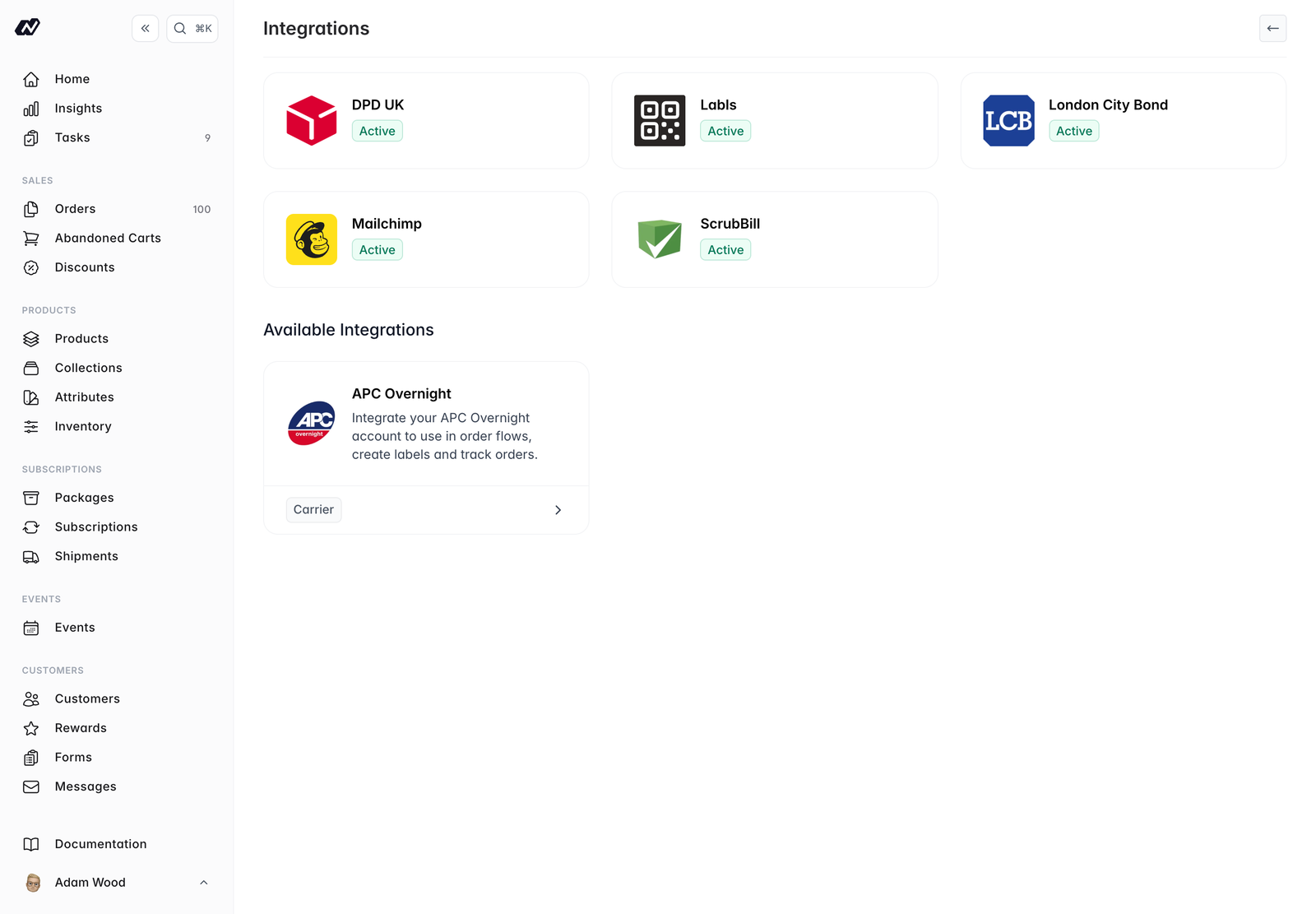
Available integrations
- London City Bond — Bonded-warehouse fulfilment. Stock also syncs into a dedicated inventory location.
- Robert Guy — Third-party logistics
- Mailchimp — Sync customers and subscribers to your Mailchimp audience
- ScrubBill — Third-party logistics and fulfilment
- DPD — Courier integration
- APC Overnight — Courier integration
- Fathom Analytics — View website analytics directly in your Marzipan dashboard
- Labls — Create compliant electronic wine labels (e-labels). Connect your Labls account, then link a product to generate its e-label — the QR code and ingredient and nutritional information required on your physical label. Product details sync to Labls automatically, and a QR-code icon appears on linked products.