> ## Documentation Index
> Fetch the complete documentation index at: https://docs.marzipan.co/llms.txt
> Use this file to discover all available pages before exploring further.
# Introduction
> Get started with Marzipan's web components.
The Marzipan web components are a set of custom elements that can be used to add a fully functional commerce solution to your website.
## Setup
To use the web components, you will need to generate an API token from your [account settings](https://app.marzipan.co/settings/api) and add the following script to your website.
You will need to select the `read`, `cart:create`, `cart:update`, `cart:read` scopes.
Replace `YOUR_API_TOKEN` in the script with the API token that you generate.
```javascript theme={null}
```
Once you have added the script to your website, you can start adding the required web components.
If you are not sure how to add the web components to your website, you may want to get your web developer to add them for you.
## Marzipan CMS
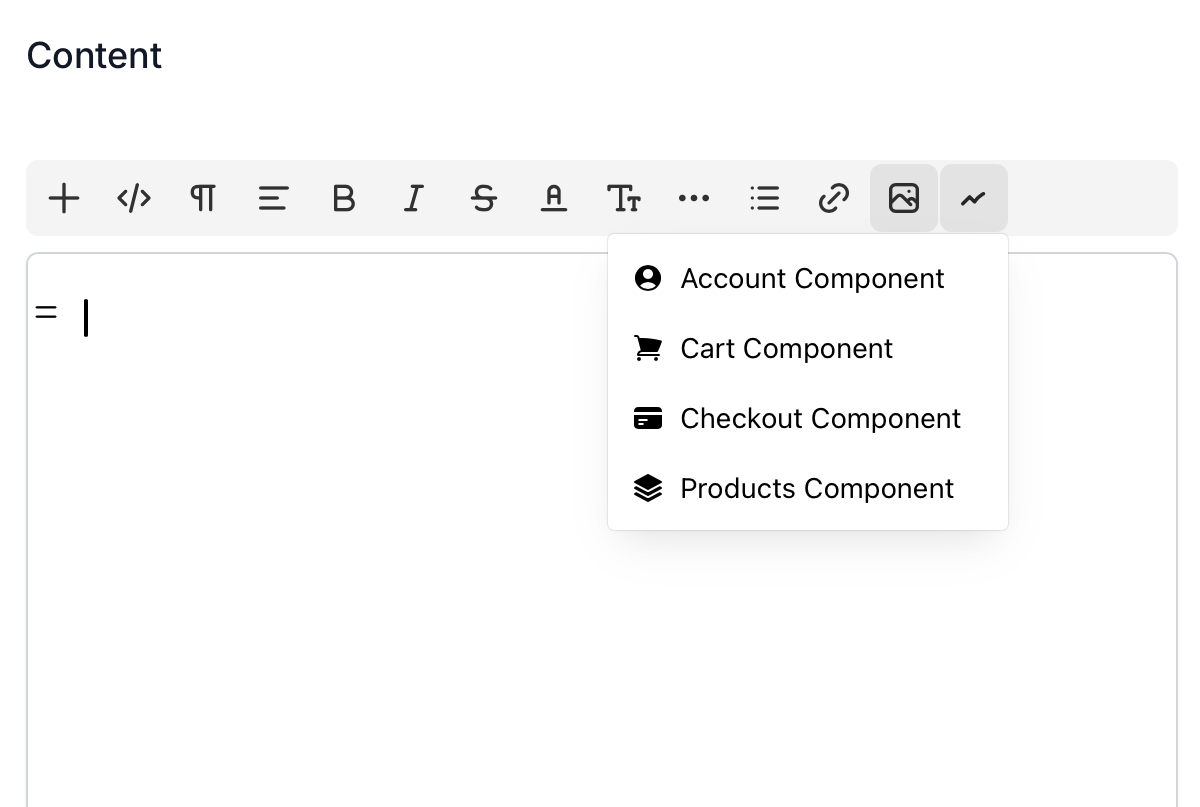
If you are using the Marzipan CMS to power your website, you can use add the account, cart, checkout and products components in the page builder by selecting the Marzipan components button from the editor toolbar.
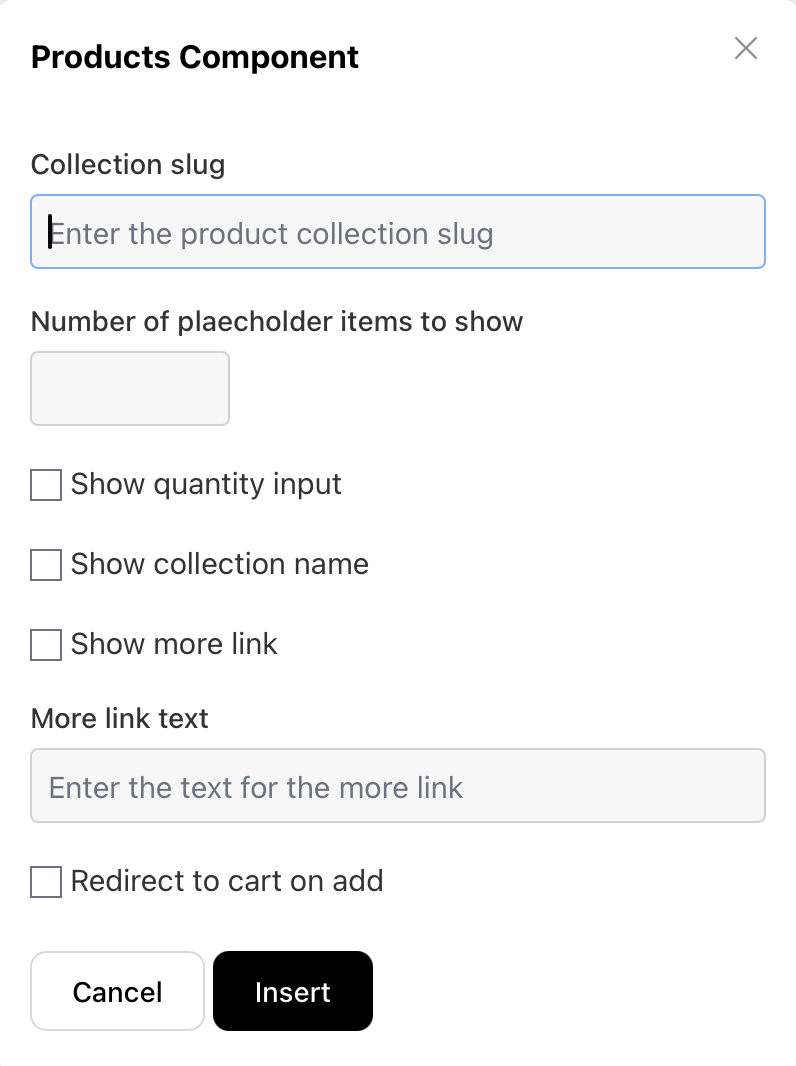
 If there are any configurable properties, you will be shown a modal where you can set them. The properties are the same as detailed in the **Props** section of the relevant web component documentation page.