> ## Documentation Index
> Fetch the complete documentation index at: https://docs.marzipan.co/llms.txt
> Use this file to discover all available pages before exploring further.
# Integrations
> Connect your store to fulfilment, courier, marketing, finance, and labelling services.
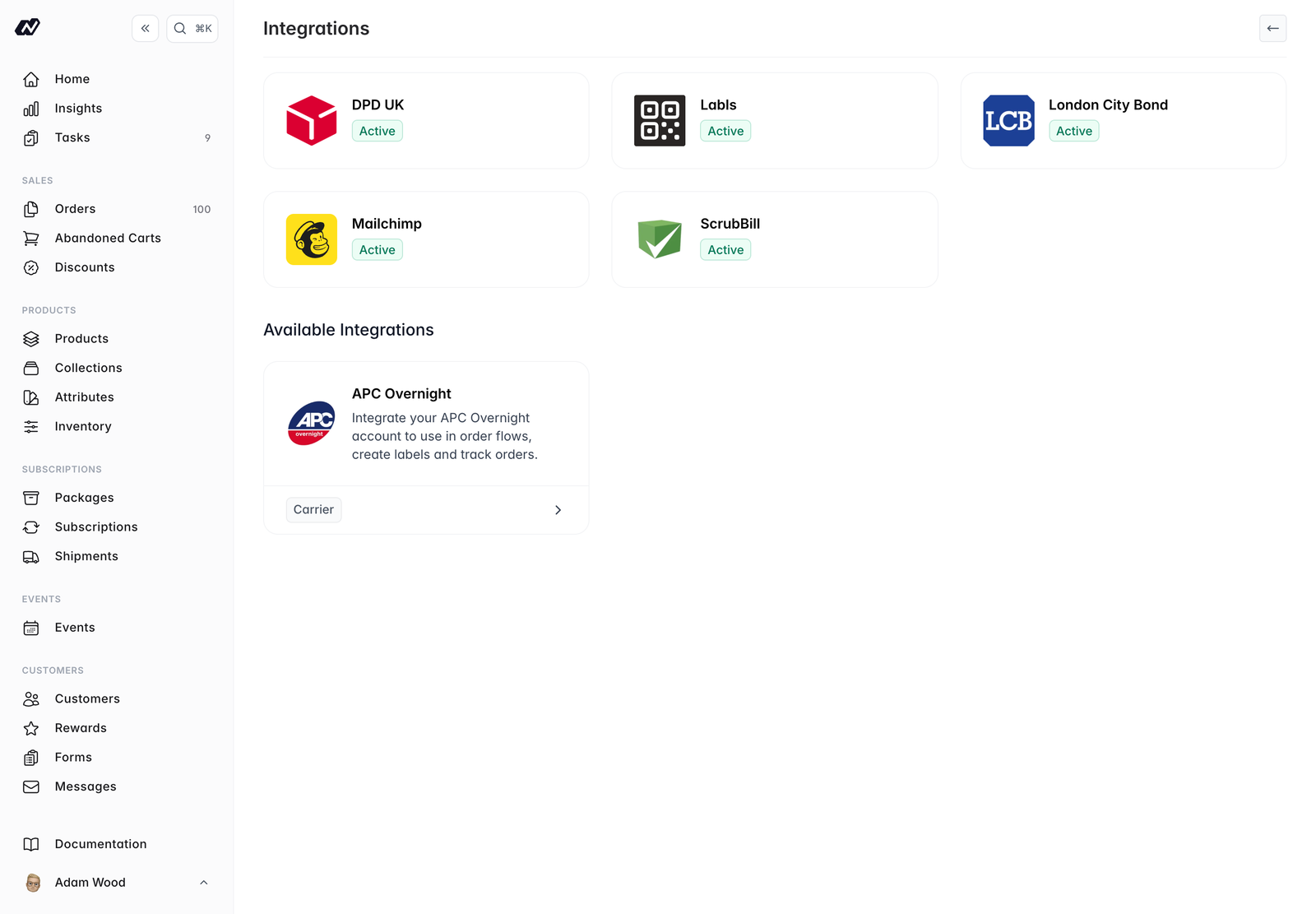
Integrations connect your store to third-party services for fulfilment, couriers, marketing, finance, and labelling.
Navigate to **Settings > Integrations**, which shows two lists: **Installed** integrations and **Available** integrations. To install one, click it. Each integration shows whether it's `active` or `inactive`, along with a test-mode badge that follows the global [test mode](/settings/test-mode) toggle.
 ## Available integrations
The UK's premier network for shipping wine and other liquids, so bottles travel with a service built for them rather than as general freight.
Price deliveries from your own DPD rate card: rates per region and service, a minimum charge, a fuel surcharge, and the London Congestion Charge where it applies.
Export your orders on a schedule, as a CSV delivered over SFTP, with a separate file per market.
List your products on Google Shopping, with prices, stock and availability kept up to date automatically.
Compliant electronic wine labels. Link a product to generate its e-label, carrying the QR code and the ingredient and nutritional information required on your physical label.
Bonded-warehouse fulfilment. Stock syncs into a dedicated [inventory](/settings/inventory) location, orders are submitted over the API, and stock transfers can be raised automatically.
Sync customers and subscribers to your Mailchimp audience.
Third-party logistics.
South African logistics and fulfilment partner.
## Managing an integration
Each integration has its own settings page once installed, where you configure its options. Open it from the **Installed** list at any time.
## Don't see the one you need?
We add integrations as merchants ask for them, and more are on the way. If the service you work with isn't listed, [get in touch](mailto:hello@marzipan.co) and tell us what you need it to do. Building one is often a good deal quicker than you'd expect.
It's worth asking even where a service already has a partner integration elsewhere. Knowing which parts of it you actually use is what makes a good one.
## Available integrations
The UK's premier network for shipping wine and other liquids, so bottles travel with a service built for them rather than as general freight.
Price deliveries from your own DPD rate card: rates per region and service, a minimum charge, a fuel surcharge, and the London Congestion Charge where it applies.
Export your orders on a schedule, as a CSV delivered over SFTP, with a separate file per market.
List your products on Google Shopping, with prices, stock and availability kept up to date automatically.
Compliant electronic wine labels. Link a product to generate its e-label, carrying the QR code and the ingredient and nutritional information required on your physical label.
Bonded-warehouse fulfilment. Stock syncs into a dedicated [inventory](/settings/inventory) location, orders are submitted over the API, and stock transfers can be raised automatically.
Sync customers and subscribers to your Mailchimp audience.
Third-party logistics.
South African logistics and fulfilment partner.
## Managing an integration
Each integration has its own settings page once installed, where you configure its options. Open it from the **Installed** list at any time.
## Don't see the one you need?
We add integrations as merchants ask for them, and more are on the way. If the service you work with isn't listed, [get in touch](mailto:hello@marzipan.co) and tell us what you need it to do. Building one is often a good deal quicker than you'd expect.
It's worth asking even where a service already has a partner integration elsewhere. Knowing which parts of it you actually use is what makes a good one.